What to put on a fax cover sheet
Who it's for, who it's from, the subject and the page count. Here's what to write on a fax cover sheet, three examples to copy and when to skip one.
6 min read · · Markdown
Your doctor's office asked for the signed release form by fax. The form is ready, the recipient's fax number is on their letter, and the send page asks if you want a cover sheet. What goes on it, and do you even need one?
A fax cover sheet is the first page of a fax. It tells whoever picks up the pages who they're for, who sent them and how many to expect. Here's what to put on one, three examples you can copy, and when you can skip it.
Why a cover sheet still helps
Most offices don't have a fax machine on one person's desk. Faxes arrive on a shared machine down the hall, in a shared email inbox or at a front desk that sorts them for a whole practice. Without a cover sheet, your fax is a few pages with no name on them.
A cover sheet answers the questions of the person sorting the faxes:
- Who is this for?
- Who sent it, and how do I reach them?
- What is it about?
- Are all the pages here?
That's why so many letters that say "fax it to us" also say "include a cover sheet."
What to put on a fax cover sheet
To
The person or department the fax is for. Use the name on the letter or form that asked for it, like "Medical Records" or "Claims Department, Attn: Dana Lee." If you don't have a name, the department is enough.
From
Your full name, or your company's name if you're faxing for work. Use the name the office knows you by: the one on your patient file, policy or lease.
Your phone number
A number where they can call you if a page is hard to read or something is missing. A quick call is often faster than a second fax.
Subject
One line that says what the fax is, specific enough that someone can file it without reading it. Add the reference number they gave you: a claim, policy, case, account or patient number. It's often the one detail that gets your pages to the right file.
Date and number of pages
The date you send it, and how many pages the fax has, counting the cover sheet. If the office counts 5 pages and your cover says 6, they know a page is missing and can ask for it.
A short note
One or two sentences, if they help. Say what's attached and what you'd like them to do with it. Skip the pleasantries: the person reading it has a stack of faxes to sort.
Three examples you can copy
A doctor's office
- To: Medical Records
- From: Maria Gomez, (617) 555-0142
- Subject: Signed records release, Maria Gomez
- Note: Here is the signed release you asked for on October 20. Please send my records to Dr. Patel's office.
If the office asked you to add your date of birth so they can find your file, add it. If they didn't, leave it off.
An insurer's claims fax
- To: Claims Department
- From: James Carter, (312) 555-0187
- Subject: Claim 4471-209, receipts for the March 3 visit
- Note: The signed claim form and 3 receipts.
A landlord or property manager
- To: Leasing office, Attn: Sam Ortiz
- From: Priya Shah, (512) 555-0163
- Subject: Signed lease, 14 Elm Street, Apt 2B
- Note: Every page is signed and initialed. Please send me a copy once it's countersigned.
What to leave off
- Numbers that don't belong on page one. A Social Security number, a full card number or a password shouldn't go on the cover sheet. It's the page everyone at a shared machine sees first. If the form asks for that information, it goes on the form.
- A long letter. If you have a lot to say, write it as its own page and count it with the others.
- Logos, shading and colored boxes. Faxes are black and white. Big dark areas come out as gray blocks that are hard to read.
A confidentiality notice
Many templates end with a line like: "This fax is meant only for the person named above. If you got it by mistake, please tell the sender and destroy it." It's common on faxes from law firms, medical offices and banks. It tells someone who got the fax by mistake what to do, but it doesn't protect the pages by itself. What protects them is sending to the right number, so check the recipient's fax number against the letter before you send. If you'd like the notice, add it to your note.
When you can skip it
- The office tells you not to send one, or the form says to fax only the form.
- Your first page already says it all, like a letter with the recipient's name, your name and your phone number at the top.
- The person is waiting for your fax on their own line and knows what's coming.
The cover sheet isn't the line at the top
US law asks for something else: every fax must show the date and time it was sent, who sent it and the sending number, in a margin at the top or bottom of each page or on the first page (47 U.S.C. § 227(d), on Cornell's Legal Information Institute). On Faxies, we print that line at the top of every page for you, with or without a cover page. More in the line at the top of every page.
Add a cover page on Faxies
When you send a fax, the cover page is the step after your document. You don't need a template or a Word file.
- Fill in From, Your phone number, To and Subject. Every field is optional.
- Add a Note if you need one, up to 1,000 characters. A long note is cut off at the end of the page.
- Check the preview as you type. The page also shows the recipient's fax number, the date and the number of pages, cover page included, so you don't count them yourself.
- If you don't need one, press Skip cover page.
If you're signed in, From and your phone number are filled in from Settings. A cover page counts as a page: a fax of up to 25 pages costs $2.99, cover page included. Faxes sent by email never have a cover page, so if the office expects one, send it from the website. The details are in add a cover page.
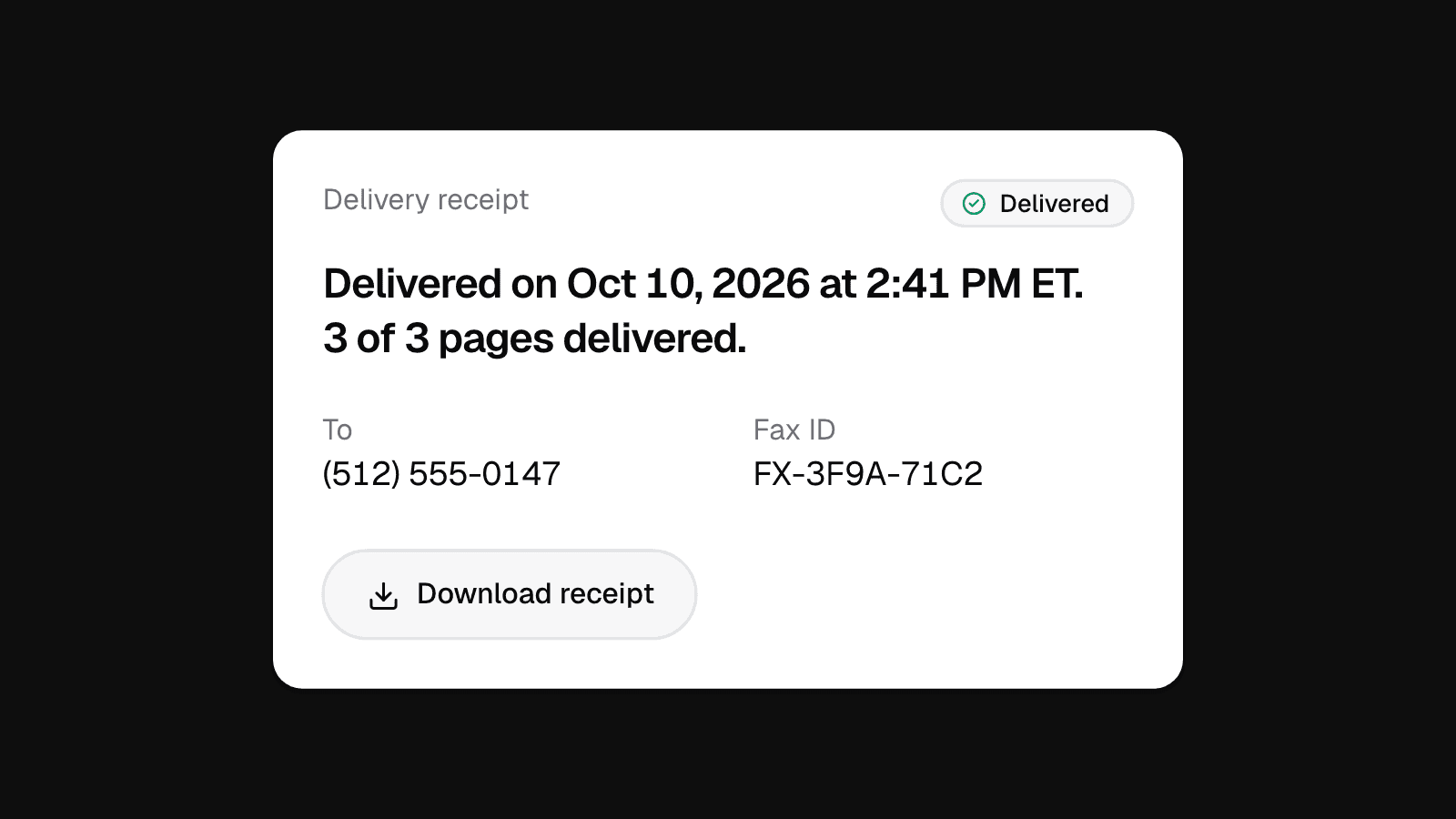
When the fax is delivered, your receipt shows how many pages went through, for example "3 of 3 pages delivered." It should match the count on your cover page. Here's how to know your fax was delivered.
FAQ
Does a fax need a cover sheet?
Not always. The identifying line on the pages is what US law asks for, and we add it for you. A cover sheet is what offices use to sort faxes, so if the letter or form asks for one, include it.
Does the cover sheet count as a page?
Yes. It's sent like any other page, so it counts in the page total and in the price. On Faxies, the page count on the cover page includes it.
Can I use my own cover sheet?
Yes. Put it first in your PDF, or add it as the first file, and press Skip cover page so you don't send two.
Should a medical fax have a confidentiality notice?
Many offices add one, and you can too. A notice doesn't make a fax HIPAA compliant. Faxies doesn't sign Business Associate Agreements (BAAs), so if you're a clinic or practice that needs one, see is Faxies HIPAA compliant?