How to send a fax from your phone
Fax a form from an iPhone or Android phone in a few minutes: take clear photos of each page, check the preview and send it from your browser.
2 min read · · Markdown
Someone needs a signed form by fax, and all you have is the paper and your phone. That's enough. You can photograph each page and send the fax from your phone's browser, without an app or a scanner.
1. Photograph each page
The photo is what the recipient will read, so it's worth a minute to get it right.
- Light. Use daylight or a bright room. Avoid the flash: it leaves a white glare on the page.
- Flat and straight. Put the page on a table, ideally a dark one, and hold the phone straight above it, not at an angle.
- The whole page. Leave a little space around the edges so nothing is cut off, and keep your hand's shadow out of the frame.
- One photo per page, in order.
Faxes are black and white. Dark ink on white paper comes out best. Colored ink, highlighter and light pencil can be hard to read on the other side.
2. Send it from your browser
Open Send a fax in Safari, Chrome or any other browser on your phone.
- Type the recipient's fax number, with its area code.
- On the Document step, press Choose files. Your phone offers to take a photo or to pick one from your photos or files.
- Add every page. If one is in the wrong place, move it with Up and Down. Check the preview of each page.
- Add a cover page, or skip it.
- Review the fax and its total, then pay on Stripe's secure page. Without an account, we ask for your email first.
Recipient's fax number
You don't need an account. Most faxes arrive in a few minutes. We email you when it's delivered, so you can put the phone away.
If a photo is refused
We accept JPG and PNG photos and PDF files, up to 10 files per fax. Some iPhones save photos as HEIC, which we can't fax. If yours is refused, export it as JPG, or set Settings → Camera → Formats to Most Compatible and take it again.
Have the document as a PDF already, in your email or in Files? Add the PDF instead of photos. It's sharper and easier to read.
Keep the proof
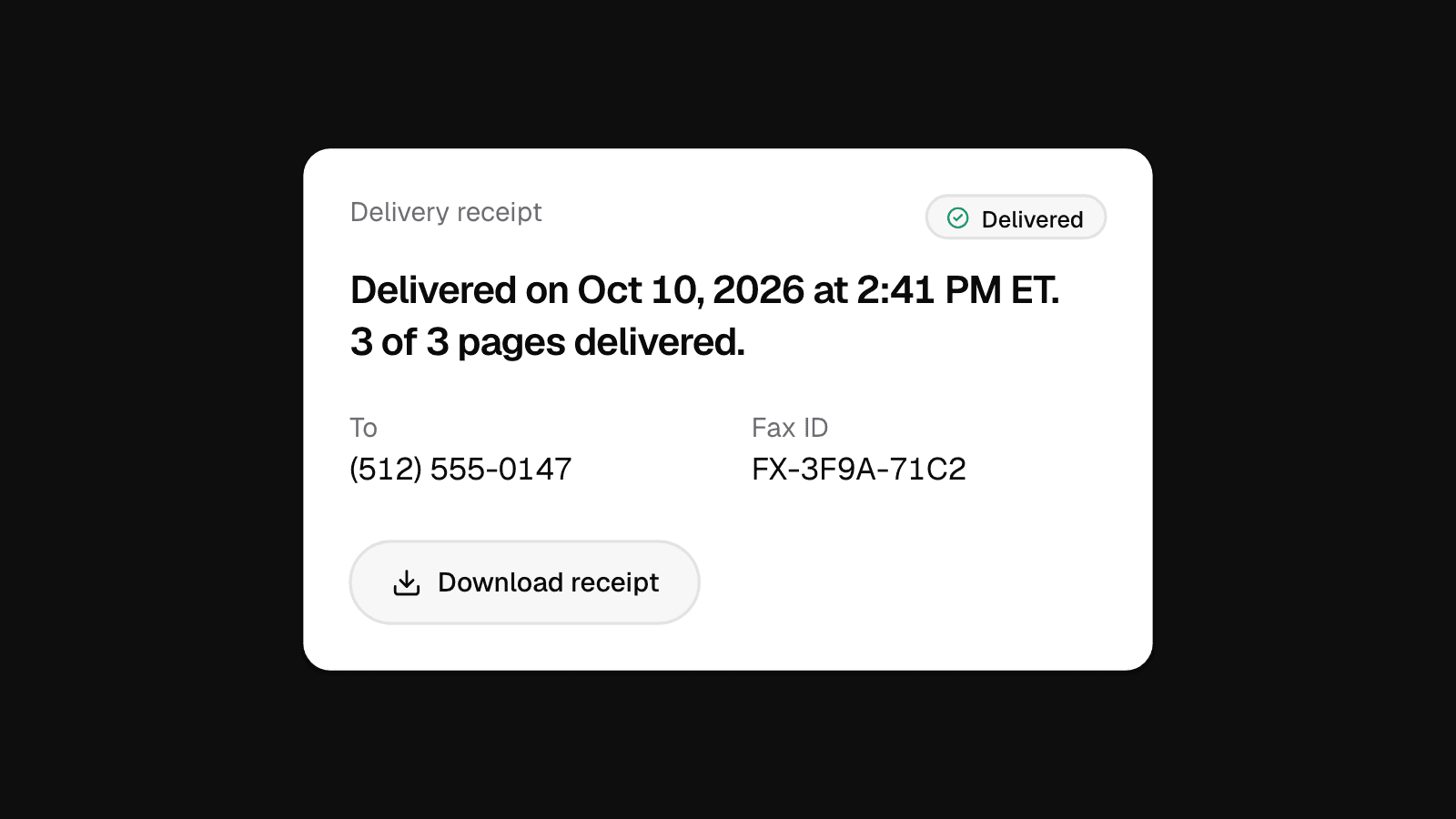
When the fax is delivered, its page has a Delivery receipt with the date, the time and the pages delivered. Download it and keep it with the paper. More on that in how to know your fax was delivered.